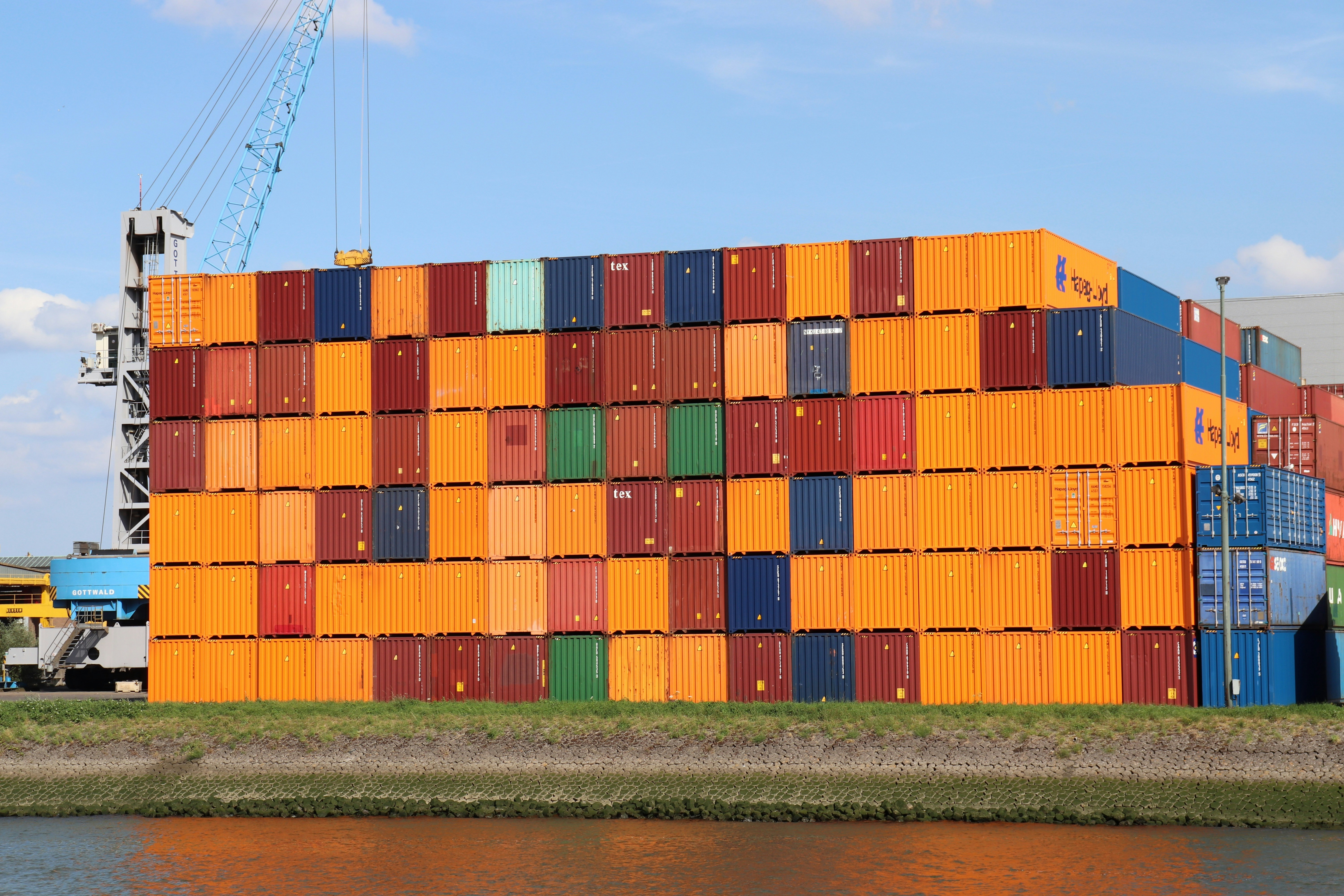
Understanding Containers & Their Lifecycle in Kubernetes
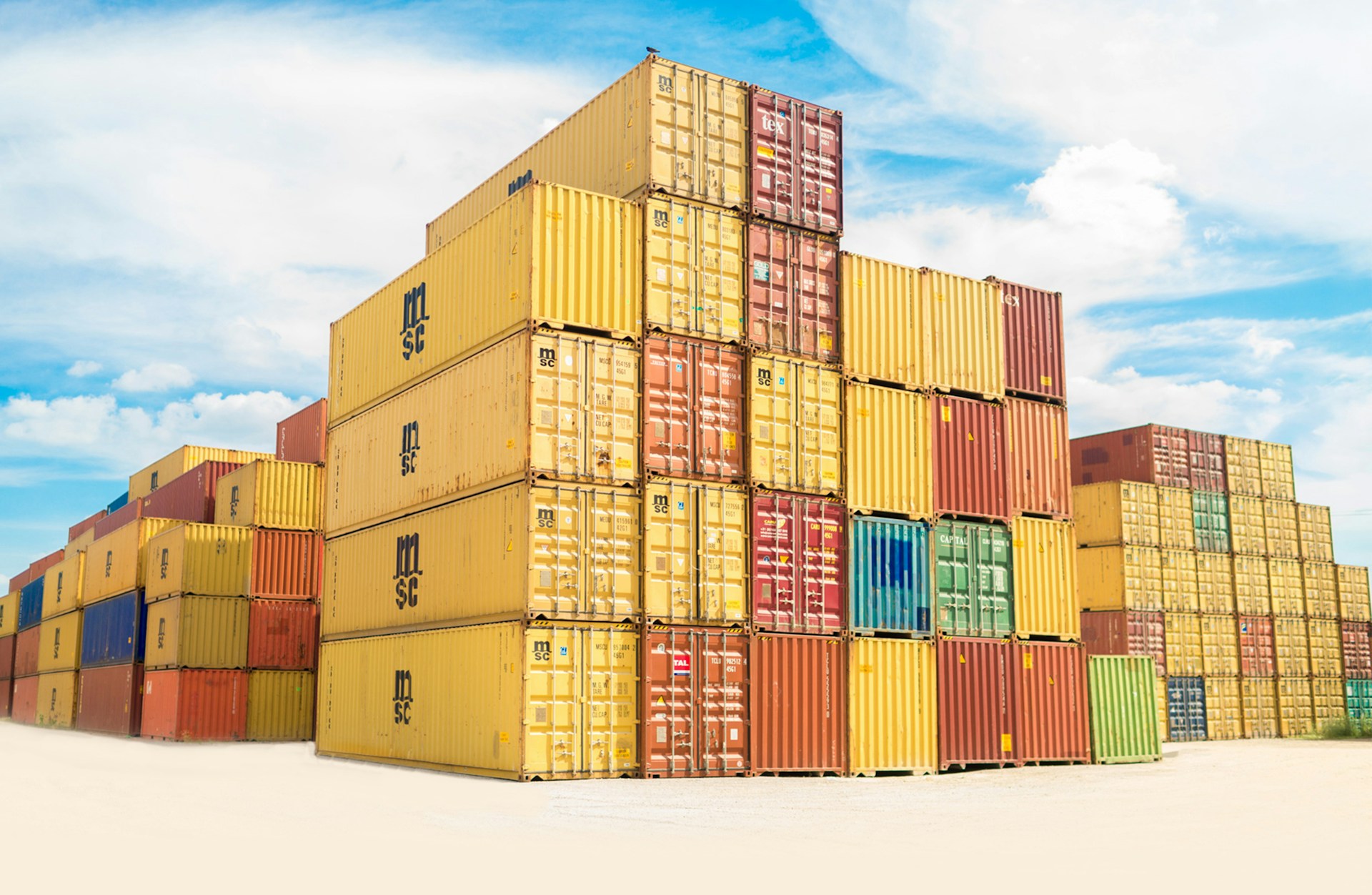
As I’ve noted in earlier posts, containers predate Kubernetes. Docker brought them into the mainstream by making image build and runtime management almost trivial. For a development team the first obvious win was reproducibility – build an image once and run it on a developer laptop, a CI runner, or a production node without changing a line of code. The “works on my machine” problem simply went away. But once you start running dozens or hundreds of containers, the question becomes: how do you schedule them, monitor them, network them and recover from failures? That is the problem Kubernetes solves.